

Magicard ID Printers
Offering a range of printers to exceed every user’s requirements with great warranty support
Whether you’re printing employee ID cards, membership badges or prox cards, Magicard ID Card Printers offer the performance you need for a full solution with secure, reliable identification in multiple markets.
Magicard ID Printer Models
At IDSuperShop, we carry the most popular varieties of single & dual-sided Magicard ID Card printers. Choose reliable, high-quality badge printing using direct-to-card print technology with the 300 & 600 series printers. The 300 series replaced the Magicard Enduro card printers and is available with single or dual sided printing. The 600 series offers next-generation performance that replaced the Magicard Rio Pro.
Magicard ID printers are designed for straightforward installation and are compatible with existing systems, ensuring a smooth transition for organizations upgrading their equipment with unmatched factory support.
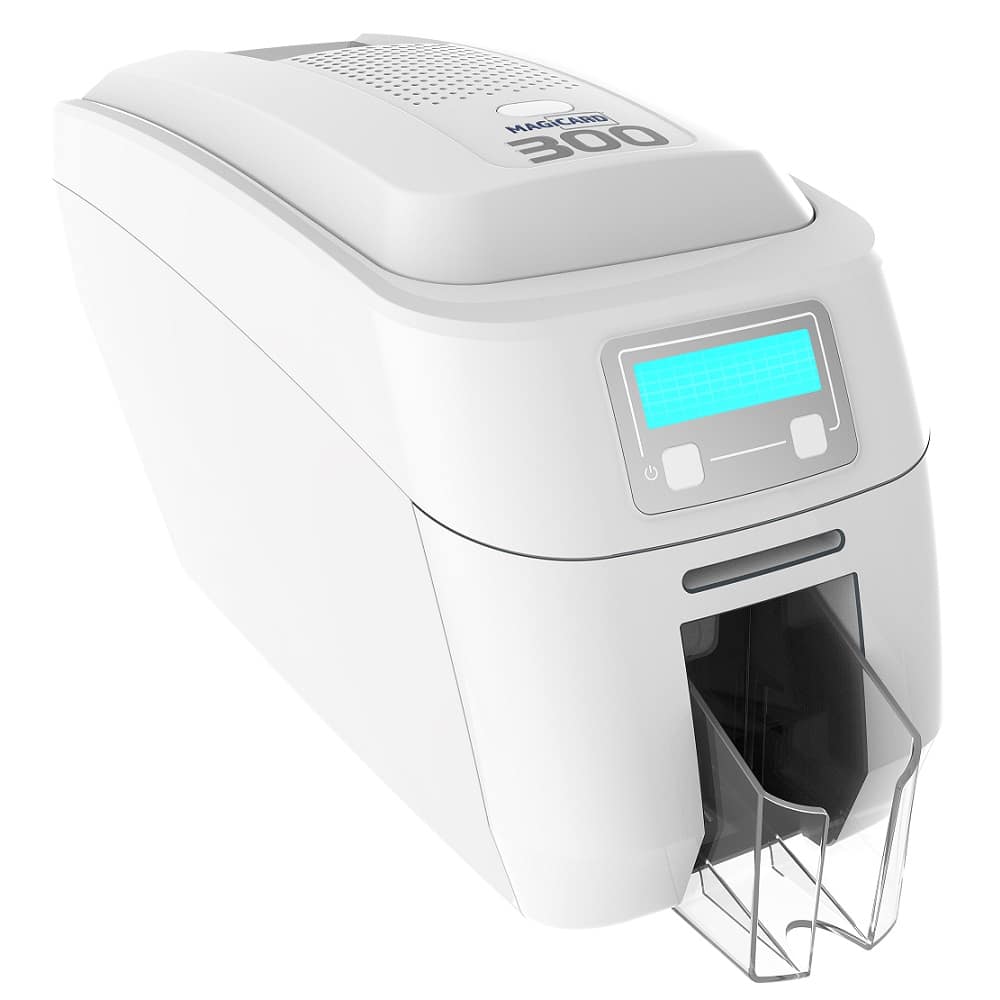
Magicard 300 Single Side Card Printer
This printer represents a solid entry-level solution for organizations looking to print secure ID cards. Ideal for small to medium-sized businesses, the Magicard 300 offers efficient, high-quality printing for various ID formats. It’s designed for simplicity and security, making it suitable for schools, small offices, and retail environments.
- Employee ID cards for small to medium-sized businesses, enhancing workplace security.
- Student IDs for schools and colleges, facilitating library access and meal tracking.
- Membership cards for gyms and clubs allow access control and membership tracking.
- Event badges for conferences and seminars, enabling attendee identification and access management.
- Most popular as single sided or upgrade to dual sided printing
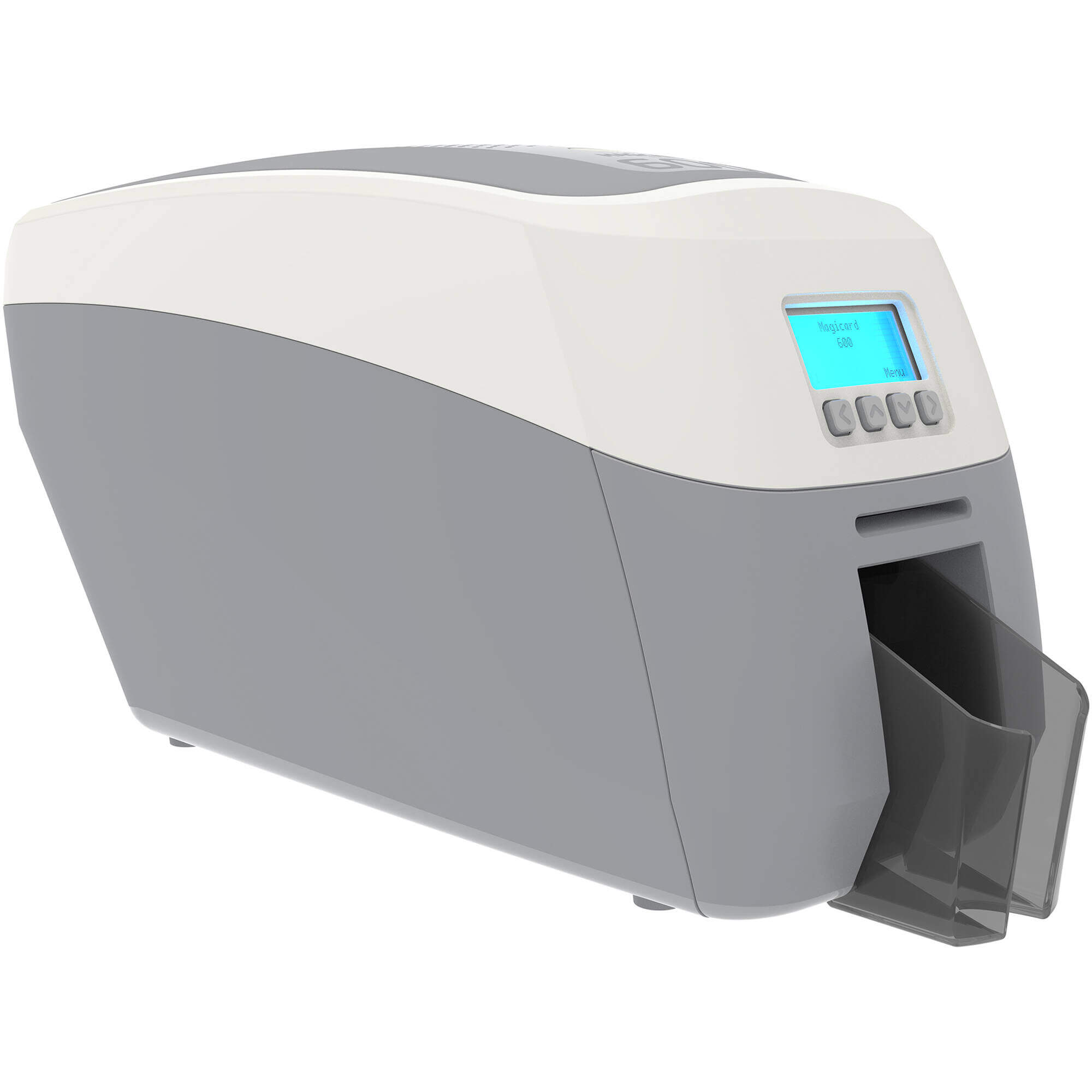
Magicard 600 Dual Sided Card Printer
The Magicard 600 printer is a step up from the 300 and all legacy models like the Rio Pro. The most popular model offers high speed duplex printing, which allows for printing on both sides of an ID card. This feature is particularly beneficial for creating more detailed cards with additional security features or information. The 600 series suits medium to large organizations looking for a robust, secure printing solution.
- Advanced employee ID cards, including additional security features and information on both sides.
- Comprehensive student ID cards provide space for emergency contact information or schedules.
- Dual-sided printing and optional single side model.
- Detailed event passes allow for programming schedules or maps on the reverse side.
Magicard printers are renowned for their built-in card security features, including the HoloKote secure watermark.
Transition From Legacy Magicard Rio Pro & Enduro
For decades, customers have relied on two models from Magicard that were built to last. The Enduro and Rio Pro card printers made a name for Magicard with applications of all sizes with their rugged durability that outlasted the competition.
As newer computer operating systems came out, Magicard was forced to transition the legacy printers bringing significant changes for existing users with improved performance. The shift away from the Rio Pro and Enduro card printers affect more than just product naming and deliver new features and benefits for high volume, high resolution ID badge applications.
IDSuperShop plays a vital role in supporting this transition, offering expert advice and support to help customers navigate these upgrades smoothly. We ensure you can leverage the advanced features and benefits of the new Magicard product range with the 300 and 600 card printers.
Get A Recommendation From IDSuperShop’s Industry Experts
We back any purchase of Sigma ID card printers with excellent customer service in addition to premium technical support options. You’ll never go wrong, no matter what printer model you choose! Contact us today for a professional consultation and a recommendation tailored to your business needs.
Companies We’ve Worked With






FAQs
Yes, a single sided card printer can print on both sides of the card.
Yes, a barcode is a printed technology and is similar to a font. Be sure to use a ribbon with a K black panel for crisp printing that can be read by an infrared barcode reader.
Certainly. Every printer model needs regular cleaning and occasional maintenance. Special cleaning supplies should be kept on hand to ensure cleaning can be done when it’s time. The time in between each varies from printer to printer. See manufacturer specifications for more details.
A retransfer printer is when printing the card, it passes through the printer without touching the printhead by way of printing on the transfer film, that is then thermally transferred on to the card surface. This is also known as HDP or high definition printing.
Direct To Card printing means the printhead comes down on the surface of the card as part of the dye sublimation process. For retransfer printing, the card passes through the printer without touching the printhead. The color ribbon is printed to the backside of a transfer film, that is then thermally transferred on to the card surface.
Most card printers do not laminate a card unless they have a separate lamination module. The standard print process of DTC or Retransfer printing issue a card that is ready for use without the need for manual lamination.
You will need some kind of design software for producing ID cards with a card printer. The printer comes with drivers to install on your computer. ID software allows you to design a card and manage the production which often includes a database.
Most card printers connect to your computer via USB or Ethernet. Several models have the optional upgrade to wireless printing if you have an established wireless network. A limited number of card printers allow for wireless printing from an app on a smart phone.
It all depends on if you a first time purchase and has no current printer or if you are upgrading to another model, but we usually provide the supplies that you need to get up and running.
Card printers have their own proprietary ribbons that work with each model. If you upgrade to a new model you may be able to trade in your old ribbons for new ones.
Most card printers do not require a technician to help with the basic install. We offer a variety of premium support options including personalized training and annual support plans to assist with more advanced applications or anyone needing technical assistance.
Some card printers come with a loaner for the first year of the warranty in the event your printer needs factory repair. If you want to make sure you have access to a loaner, be sure to ask for a Gold Support Plan.
Yes. Printers tend to last up to 5 years with proper maintenance.
Every new printer comes with a warranty which varies from 1 to 3 years. The warranty coverage also varies by manufacturer and model since many have a depot only service. If you are concerned the basic warranty will not provide the support you need, be sure to ask about our Gold Support Plans.
The products in our industry are used for security applications and have strict return policies to prevent fraudulent use. In general, items must returned within 30 days of purchase in brand new, unopened packaging. If you need to return or exchange an item, you will need to request an RA (Return Authorization) so we can coordinate the process for your organization. For more details on our return policy, click here.
Most card printers can be expected to perform for at least 5 years. If you take proper care and conduct regular maintenance it may continue to work even longer.
CR 80 30 mili size in standard in the industry and is also the same size as a credit card.
Every printer has an input hopper that can hold blank cards as well as an output hopper to catch and collect finished prints. The size of these hoppers can vary from printer to printer, but 100 cards waiting to be printed and then 100 or 200 cards held in the output bin is typical.
The printable surface required for card printing is quite specific. It must be an ISO glossy finish that is clean of scratches or debris. The standard card stock is 100% PVC, however many applications that expect greater durability or rely on retransfer printing use a composite card that has the same surface. In general, you cannot print on laminated cards, or any other material that is not specifically designed for receiving the color from dye sub printing.
Every printer we sell comes with a Windows driver which allows you to install it on your computer for use with any program. A limited number of printers have a Mac driver available. Many printers also have a workbench software along with the driver for conducting maintenance or managing other controls in your printer. None of the printers come with ID software for designing cards or managing a database, unless you purchase a complete ID System or get a version separately.
There are limited card printers that work on a Mac and they usually require a specific version of Mac OS which you should research in advance. All new card printers are designed to work on the latest version of Windows. Legacy card printers likely only work on the version of Windows that was available when the printer was sold.
The only printers in our industry that allow for direct printing from a mobile phone are the Evolis Primacy 2 printers
Most printer consumables come with a fixed use rate, such as the number of prints in a ribbon. The number of remaining prints can be checked through the printer software, so planning ahead to have more consumables on hand is easy.
Different model printers have different upgrade capabilities. Some are modular and can have extra hardware features added on by attaching them. Others have some upgrading available through software. Some are locked with the features they have at purchase. Please contact our sales team to let us help you decide which printer has the right features you need now and has the ability to grow with your organization.
The contents of a cleaning kit are as follows:
- A print head cleaning Pen
- 5 alcohol swabs
- 5 sticky cleaning cards
Vertical lines on cards are usually caused by two different types of scenarios:
- The signal is coming from the power supply in broken segments. This is also known as line chatter. It is caused by the printer being hit by a power spike, poor voltage in the current location, or body damage to the printer from shipping or falling off of a table. The lines in this case are white.
- The second scenario is that the ribbon take-up motor is bad. This is rare only consisting of approximately 1% of cases. In this case, the lines are not caused by line chatter but because the printer can not pull the ribbon away from the card fast enough. The lines in the situation have color.
You would need to change a print head if you experience one or more of the following issues:
- If you print landscape or portrait and have white lines that look similar to scratch lines going from left to right or up and down. These are blown pixel lines. Blown pixels are the result of dirt or dust on the head or the printable surface.
- Seeing faded colors or unsuitable printing images. The result of this could be due to a lack of cleaning or the print head and ROM chip do not match.
Ribbon breaking can be due to several issues:
First, most problems associated with ribbon breaking are excessive heat. This can be resolved by lowering the printer’s OD or Optical Density in the service mode of the printer under adjustment mode.
Second, most people do not realize that poor image positioning on the card can cause ribbon breaking as well. An image printing off the format of your card can cause ribbon breaking also. When the printer is in the process of printing an image, the card acts as a heat sink and it absorbs a lot of the print head’s energy. If the image is off the card, there is no card to absorb the energy, and your print head transfers all its energy into the ribbon causing it to break.
Finally, not using genuine Magicard Ribbons for Magicard printers can cause ribbon breaking as well as poor image quality.